


Your IT supplier suggests: "We'll create a separate Team in Microsoft Teams for each customer. Nice and clear." Sounds logical. But if you have hundreds of customers, you'll soon have hundreds of Teams. With everything that goes with it. And that's more than you think. In this blog, Christiaan Ferreira, owner of Docubird and SharePoint specialist with over 15 years of experience, explains how to prevent your Microsoft 365 environment from becoming a mess.
What comes with it
Every time you create a new Team, Microsoft 365 automatically creates a whole series of items. A shared mailbox. A calendar. A Planner. A OneNote. A Microsoft 365 Group. And some hidden system folders.
This is useful for collaborating with colleagues. But for document storage? Then it's useless. You don't use it, but it exists. And everything that exists must be managed.
The real problems
With a hundred customers, you have a hundred unused mailboxes. A hundred empty calendars. A hundred Planner instances that no one looks at. Your system becomes cluttered and your administrator gets gray hair. But the consequences go beyond clutter alone.
Your tenant is slowing down. That long list of automatically created components is impacting the performance of your entire environment.
Your rights management will become a nightmare. Every Teams group is also a Microsoft 365 Group. With hundreds of customers, you end up with a rights structure that is almost impossible to manage.
Your security risk increases. Every additional group, mailbox, or planner increases your attack surface. More entry points mean more vulnerabilities.
What does work
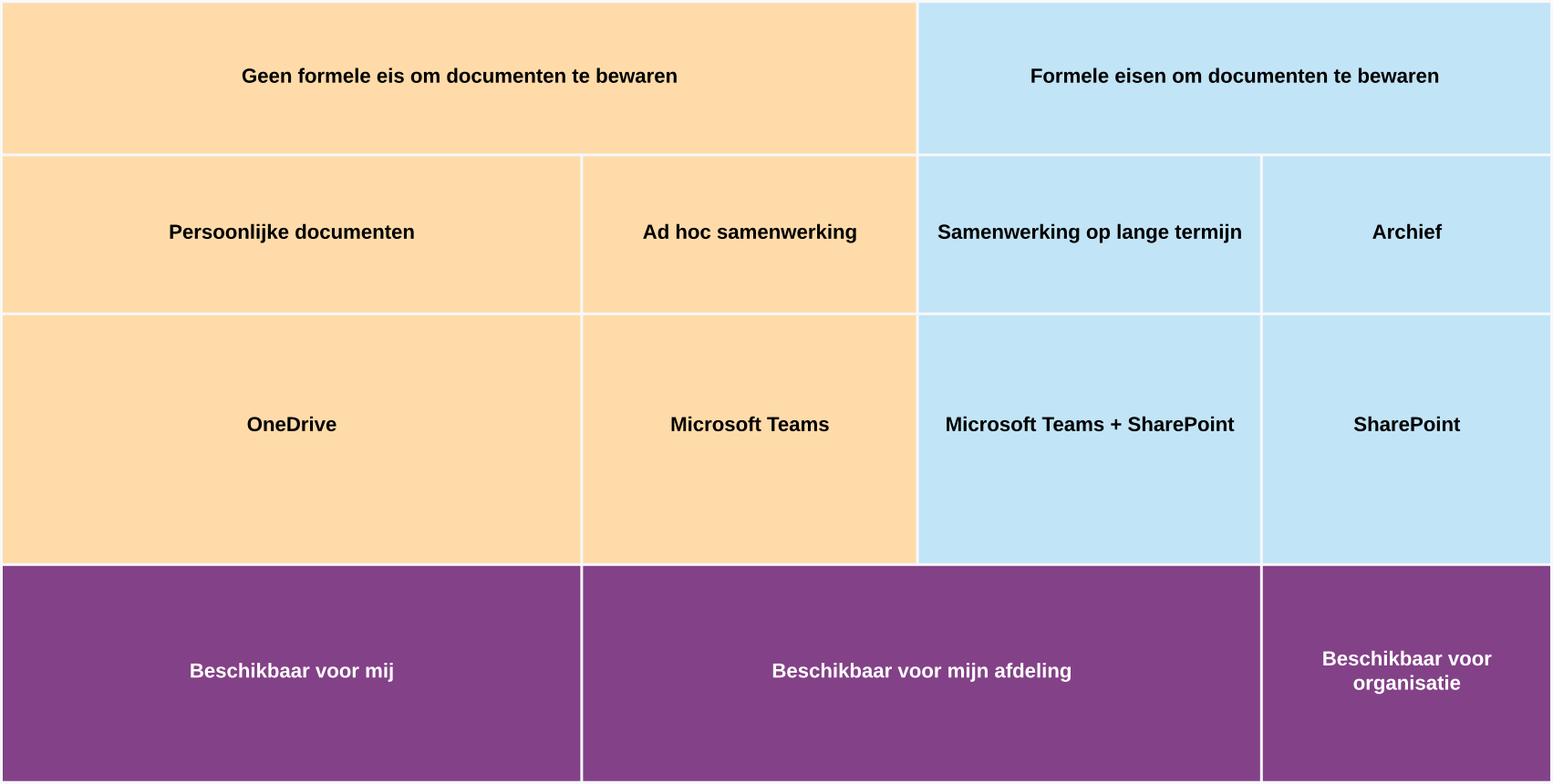
A smarter approach is to use SharePoint Team Sites without the whole Teams rigmarole. That way, you only get what you need: document libraries, metadata, well-organized folders. No noise.
Would you like to collaborate with a customer via Teams later on? Then simply link that feature. That is exactly how Microsoft prescribes it: Teams on top of SharePoint, not the other way around. You start with a clean slate and add functionality when needed.
Less clutter, more clarity
You will notice the difference as your environment grows. Organizations that create a Team for each customer end up with a confusing list after a year. Who manages this? Who cleans it up? Who keeps track of which groups are still active?
With a clean SharePoint structure, you don't have that problem. Your documents are where they belong. Without any clutter.
Docubird has deliberately chosen this approach. No unnecessary Teams groups, but a clear document structure in SharePoint.
Want to see what that looks like? Chris will be happy to show you in a short demo.